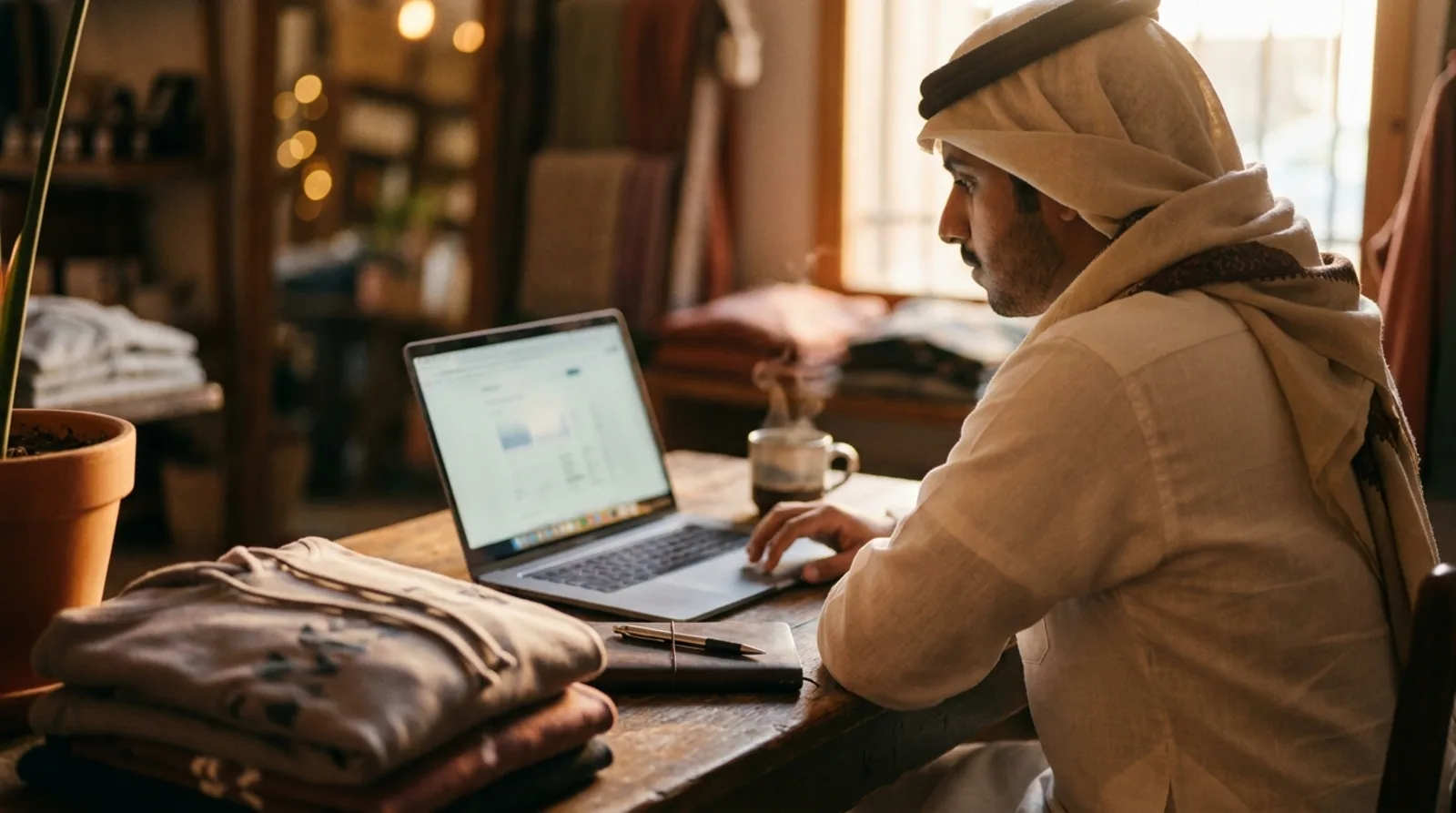
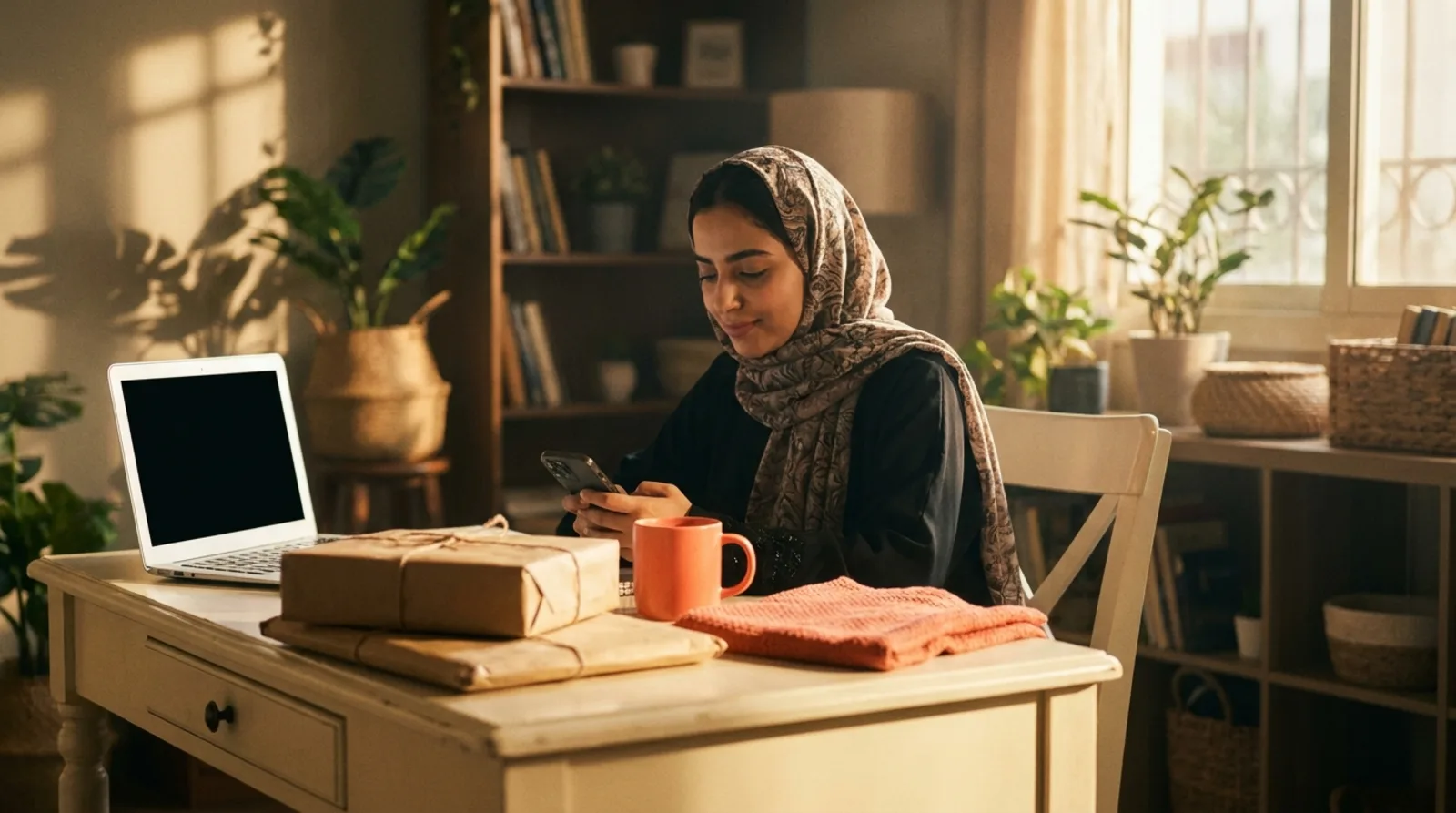
AI Print Files and Product Photos, Made in One Place
How to make a print-ready design file and product and lifestyle photos with AI: coverage, background and resolution, describing the idea, models, and limits.
Tamm Team6 min read
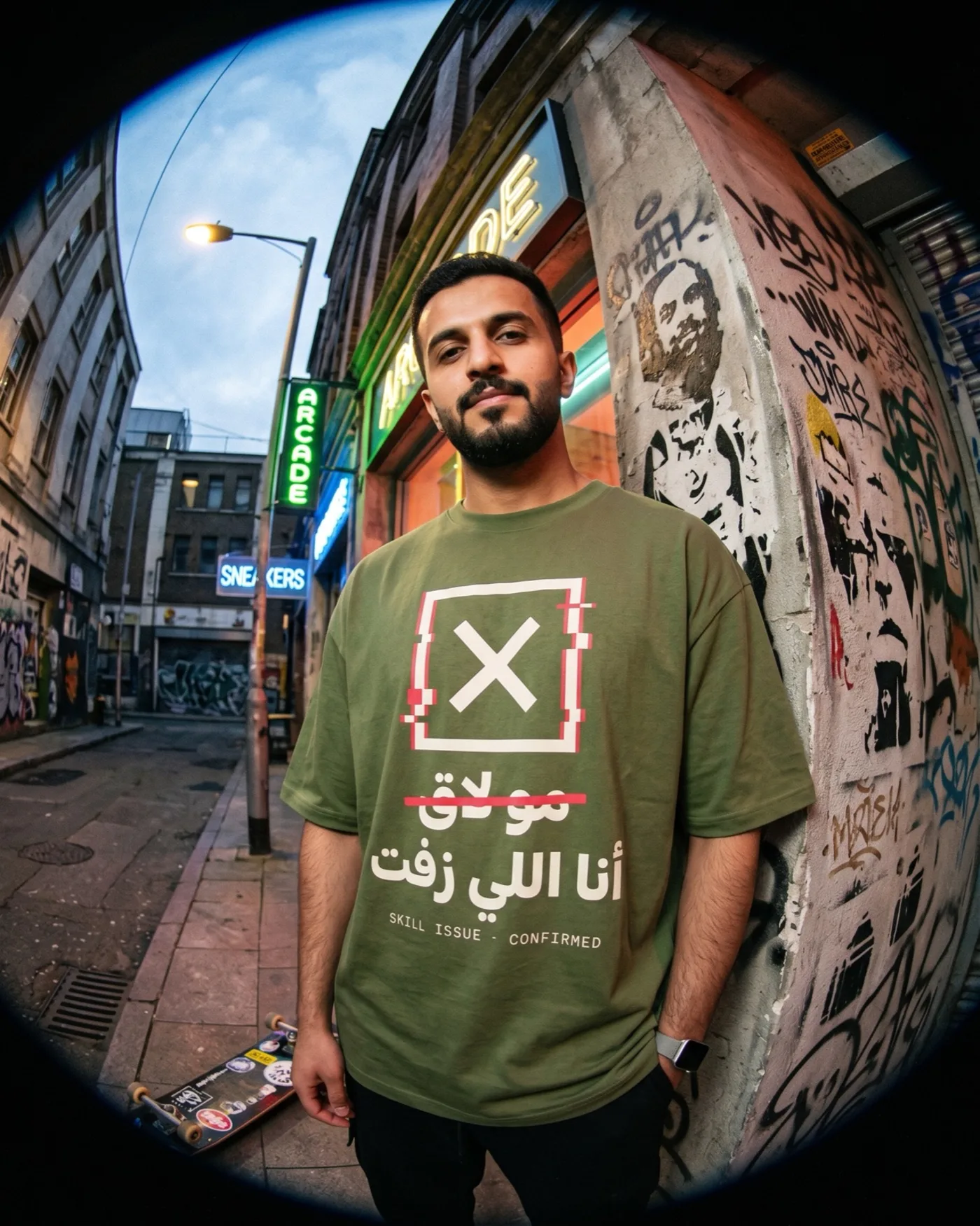
A seller starting a brand needs two things before the first order: a design that prints on the piece, and photos that sell that piece. Usually that means one tool to draw, another to remove the background, a third to upscale, a fourth for photos and a fifth for ads, with files carried between them. The Studio in Tamm puts this in one place. But the tool alone does not make a good file; the result depends on what you ask for and how you ask. This guide covers what makes a file print-ready, how to describe your idea, how to choose what you are making and the model that makes it, and where a photo stops and a sample takes over.
What makes a file print-ready
A file that looks good on screen is not automatically ready to print. Three questions settle it:
- Coverage: where will the design sit? A full print fills the whole print area, so it needs a design built to that area's shape and proportions. An area print is a design of a set size on the chest or back, with the piece left to breathe around it. A small logo is a mark over the heart, and there simplicity is a requirement: thin lines and fine detail vanish when the size shrinks. Decide the coverage before you generate, because it changes the design itself, not only its size.
- Background: with or without? On garments, any background in the file prints as it is. A white box around your design comes out as a white rectangle on a black tee. Ask for a transparent background unless the background is a deliberate part of the design, like a poster or a framed piece.
- Resolution: is it enough for the size? The bigger the print, the more pixels you need. The editor checks this while you place the design: 150 DPI at the size it prints is a clear print, and the editor tells you when a file falls short. A small file stretched up prints with jagged edges, however strong the idea.
Where Tamm fits
Tamm is an AI-first e-commerce platform with its own factories, warehouses and supply chain in Saudi Arabia behind it: you describe the store you want and the agent builds it, we print your pieces on demand, and we store your own products and ship every order under your brand. The Studio
The Studio is your creative space inside Tamm: print-ready design files and product and lifestyle photos, made with the best AI models, without jumping between five tools. Results land on the product itself, so a design you generate is ready for a piece in your store. The agent that works with you in the dashboard and the store builder is the same one in the Studio, so the conversation never starts from zero.
Describe your idea the way you would brief a designer
The model does not know your brand or your audience. It only knows what you wrote. The gap between a weak description and a good one is the gap between ten attempts and two. A good description answers six things:
- The subject. What exactly appears: a camel walking across the desert, not "something desert-like".
- The style. Line art, flat vector, hand drawn, or a realistic photo.
- The colours. Name two or three, and say the colour of the piece it will print on.
- The text. If the design has words, write them out exactly and say which language. Check Arabic letters in the result one by one, because models can distort them.
- Coverage and background. "A small chest logo on a transparent background" is a different request from "a full back design".
- What you do not want. No shadows, no gradients, no frame.
An example of a good description: "A camel walking over a dune, single continuous line drawing, one colour white, for printing on the back of a black tee, transparent background, no text." For the basics of designing the tee itself, how to design a t-shirt has what you need.
Choose what you are making, and its style
Before you write the description, you choose in the Studio what you are making, because each type follows different rules:
- Print design. A file that goes onto the piece. Coverage, background and resolution come before anything else.
- Product photo. The piece itself, clearly, on a clean background, for the product page.
- Lifestyle. The piece in a real moment: worn by someone on the street, a mug on a work desk.
- Marketing. An image for an ad, a post or a banner in your store.
- Brand. A logo and visual identity, which works best once the brand name is settled; if it is not, start with how to name your brand.
Then you pick a style. The rule here is consistency: one style per collection, so your store reads as one brand and not ten different designers.
Attach a catalog piece or a product you own
The most accurate photo starts from a real product. In the Studio you attach a piece from the catalog or a product you own, and the model builds the image around it instead of inventing a piece that does not exist. That matters for two reasons. First, your customer will receive that exact piece, so it should be what they see. Second, photos in a collection stay consistent when they all start from the same piece.
If you also shoot your products on your phone, the light and background basics in product photography tips help in both cases.
Pick the model, and know each generation costs points
In the Studio you choose the model that generates for you. Models differ: some are stronger at flat illustration, some at realistic photos, some at lettering. A practical approach: when a design matters, run the same description on two models, then stay with the one that fits your style for the rest of the collection.
Each generation costs points. So a clear description on the first try is not a nicety, it is a direct saving. And when a result is close to what you want, change one thing in the description rather than starting over.
A photo still does not replace a sample
A generated photo shows you the idea and the mood, and it is enough to decide which design deserves a test. But it does not show the feel of the fabric, the real ink colour on the piece, or how it wears. And do not let a photo promise what the piece does not have: a print should not look like embroidery, and a colour should not differ from the piece's colour in the catalog. Order a sample of the design you are betting on; the difference between the two is covered in mockups vs samples.
From an idea to a published product
The short path: settle coverage, background and resolution, describe your idea with the six elements, choose what you are making and its style, attach the piece, pick the model, then order a sample before you bet on the design. After that the product becomes a piece in your store, and its journey runs as described in how print on demand works at Tamm. The taste and the decisions stay yours, and the tools sit in one place in the Studio.
Frequently asked questions
- What makes a design file print-ready?
- Three things: coverage that fits where it will print, a transparent background unless the background is part of the design, and enough resolution for the size it will print at.
- Do I choose the AI model myself?
- Yes. In the Studio you pick the model that generates for you, from the best models available. When a design matters, try the same description on two models, then stay with the one that fits your style.
- How is the Studio charged?
- Each generation costs points. That is why a clear description on the first try saves you many attempts.
- Does a generated product photo replace ordering a sample?
- No. A photo shows the idea and the mood, but not the feel of the fabric, the real print colour or how the piece wears. Order a sample of the design you are betting on.