WhatsApp for Your Tamm Store: What to Switch On First
Connect your own WhatsApp Business number, answer customers from your dashboard, and switch on order, shipping, invoice, cart and review messages in order.
Tamm Team7 min read

Your customer in Saudi Arabia reads WhatsApp before anything else. So the question is not whether your store uses WhatsApp, but how to use it without becoming a number the customer mutes. This article explains how WhatsApp works inside your store on Tamm: connecting your number, answering chats from your dashboard, and the automated messages that go out with every event in an order. Then it shows what to switch on first, and how to write a message a customer is glad to get instead of one they ignore. If you are after the basics of WhatsApp Business itself, start with the WhatsApp Business guide for online stores.
Your number, your chats, in your dashboard
The first thing to know: Tamm does not give you a number. You connect your own WhatsApp Business number, so it stays the number your customers know and save under your brand. That matters more than it looks. The number is part of your store's identity, and a customer who saved it once finds it every time they come back.
Once it is connected, customer chats land in your dashboard and you reply from there. A size question, an order query, a complaint: all in the same place where you see your orders and customers. When a customer asks about their order, you do not have to switch between your phone and your dashboard to see where it is.
Where Tamm fits
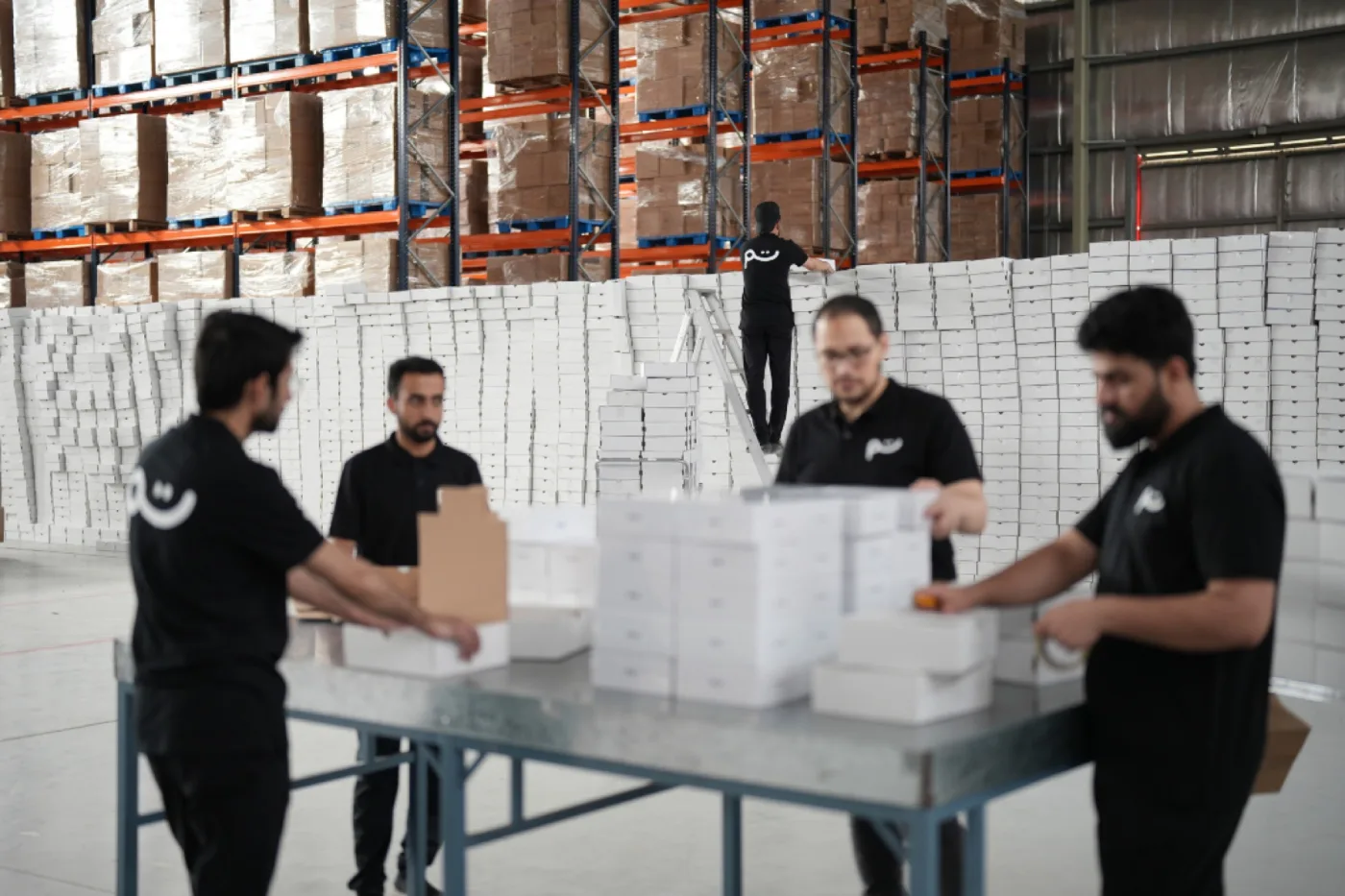
Tamm is an AI-first e-commerce platform with its own factories, warehouses and supply chain in Saudi Arabia behind it: you describe the store you want and the agent builds it, we print your pieces on demand, and we store your own products and ship every order under your brand. WhatsApp on Tamm
Because every order runs through your Tamm store from payment to delivery, automated messages go out on real events: an order confirmed, a parcel being prepared, a shipment out, an order delivered. You do not follow every order to write to your customer. You decide once which messages run and what they say. What stays with you: the wording, which messages are on, and replying to whoever writes to you.
The messages that can run on their own
Automated messages in your store are tied to store events. These are they:
- Order confirmation: goes out after the customer orders and pays.
- Shipping updates: when the order is being prepared, when it ships, and when it is delivered.
- The invoice: the customer receives their invoice in the chat.
- Abandoned cart reminders: for someone who added a product and did not finish, on a schedule you set, up to five steps.
- Review request: after the order is delivered.
Before any of them goes out, Meta approves the message template. Any edit to a message's text sends it back for review. And the third thing you need to know: marketing messages, meaning cart reminders and review requests, cost more than utility messages such as confirmations and shipping updates. These three facts set the order of your work.
What to switch on first
Start with utility messages, because they answer a question already in the customer's head. Someone who just paid wants to know their order arrived. Someone waiting for a parcel wants to know where it is. Customers welcome these messages because they are about them, and they cost the least.
The order we suggest:
- Order confirmation. The first message and the most important. It reassures the customer at the moment they are most anxious: right after paying.
- Shipping updates. They cut the "where is my order" messages that eat your time, because the answer arrives before the question.
- The invoice. It completes the picture and gives the customer a record to come back to.
- Cart reminder. This is where marketing messages begin, so switch it on once the first three work well.
- Review request. The last to add, and it works best when the whole order experience is sound.
Why this order? A customer who got a clear confirmation and timely updates trusts your number. When a cart reminder or a review request arrives from that same number, they read it instead of muting it.
How to write a message a customer welcomes
An automated message is written once and read thousands of times, so it deserves your time. Five rules:
- Talk about the order, not the brand. "We have your order and are preparing it now" is clearer than a paragraph of general thanks. The customer wants news about their order.
- One line carries the point. The message is read on a phone, so put the key fact in the first line and the rest only if needed.
- Write in your brand's voice. If your store speaks to customers in a close, casual tone on its pages, its messages should too. A gap between the store's voice and the message's voice makes the customer feel they are talking to a machine.
- Give one action. Track the parcel, finish the order, or rate the piece. Not three buttons in one message.
- Review the wording before the season. Since every edit sends the message back to Meta for approval, do not edit your messages in sale week. Write and review them well before.
The abandoned cart schedule: less than you think
You can build a schedule of up to five steps to remind someone who left their cart. But the maximum is not a target. Every step is a marketing message that costs more, and every extra step brings you closer to being a nuisance.
Start with one step, hours after the cart is left, not minutes. A customer who left a cart may simply have been interrupted, and a reminder that comes too early feels like being watched. Name the product they left, and ask whether a question is holding them back. Then watch how many carts come back after that step. If a fair share returns, try a second step a day or more later, with a different message that answers a common blocker such as size or shipping time. Add a third step only if the second proves it brings carts back. For a wider look at why carts are left and how to fix it, read abandoned cart recovery.
Review requests and replying to chats
A review request after delivery is a marketing message, but it is also a moment to hear your customer. Keep it short and specific: ask about the piece they received, not "your experience with us" in general. A customer who answers a review request with a complaint instead of stars has handed you a chance. Replying fast, in the same chat from your dashboard, turns a problem into loyalty.
And this is what you do not automate: chats the customer starts. Automated messages answer the questions you expect; live chat is for the ones you do not. Set a fixed time in your day to go through chats, and reply like a person. For practical methods, see how to handle customer service.
The takeaway: trust first, then sales
WhatsApp sits very close to the customer, which is why it is precious and not to be wasted. Do not make it your only channel for offers. Email carries longer content and regular offers at lower cost and with less intrusion. Split your messages: service and orders on WhatsApp, seasonal offers and longer stories by email. Read about the other side in email marketing for online stores.
WhatsApp in your Tamm store starts with your own number, your chats in your dashboard, and messages that go out with every order event. Switch on order confirmation, shipping updates and the invoice first: they are what the customer wants and they cost the least. Then add a cart reminder with one or two steps, and the review request once the order experience is steady. Write every message with one clear line and one action, and review your wording before busy seasons, because every edit goes back to Meta for approval. To see how this works in your store, visit the WhatsApp page, and if you are thinking about what your store adds next, read apps for your online store.
Frequently asked questions
- Does Tamm give me a WhatsApp number for my store?
- No. You connect your own WhatsApp Business number, and Tamm never hands out numbers. The number is yours, and your customers know it by your brand.
- Why did my message stop sending after I edited it?
- Because Meta approves every message template before it goes out, and any edit to a message's text sends it back for approval. Edit your messages before busy weeks, not in the middle of them.
- Do all messages cost the same?
- No. Marketing messages, such as cart reminders and review requests, cost more than utility messages such as order confirmations and shipping updates. So switch on utility messages first and add marketing ones with care.
- How many reminders should I send to someone who left their cart?
- You set the schedule yourself, up to five steps, but one or two steps are enough for most stores at the start. Watch how many carts come back after each step before you add the next.